...
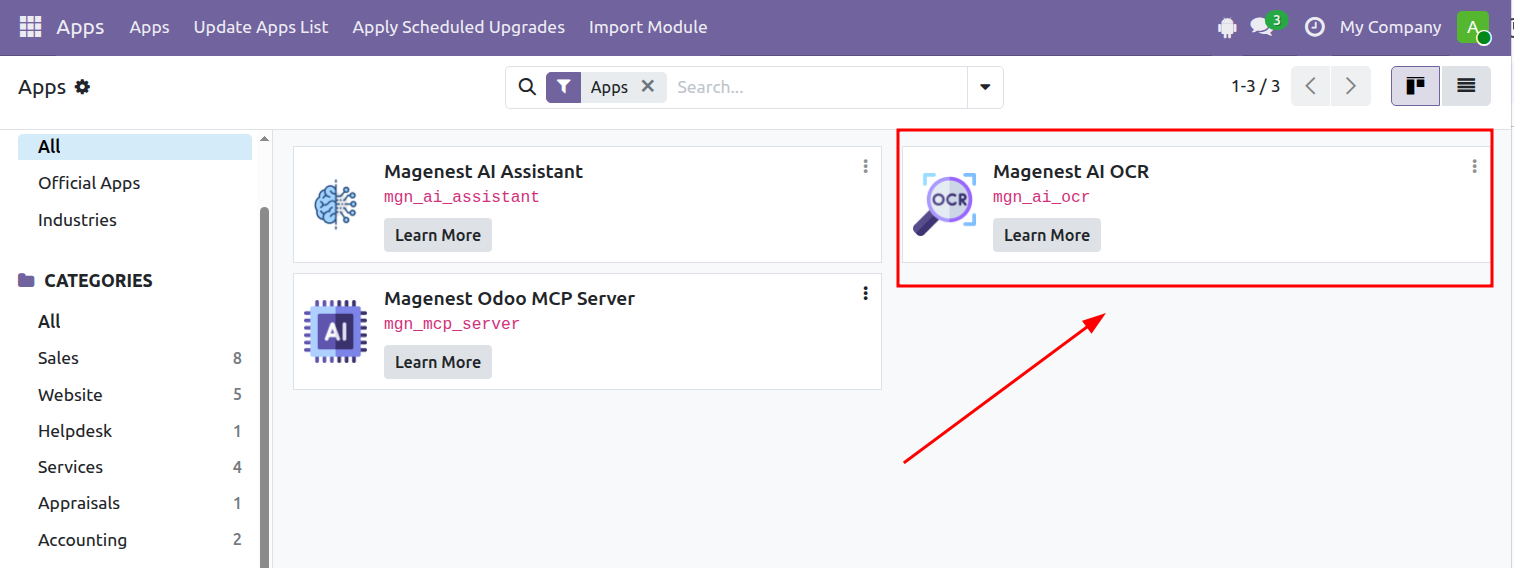
 Step 3: Activate Magenest AI OCR.
2. Connect to Gemini
...
Get a Gemini API Key
Step 1: Open Google AI Studio and create a new API key.
...
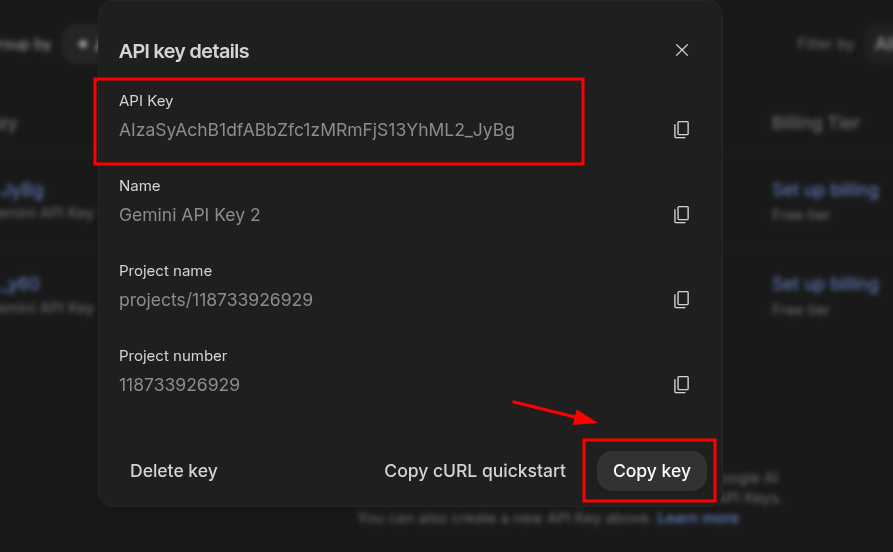
Step 3: Copy the generated key.
...
Add the API Key to Odoo
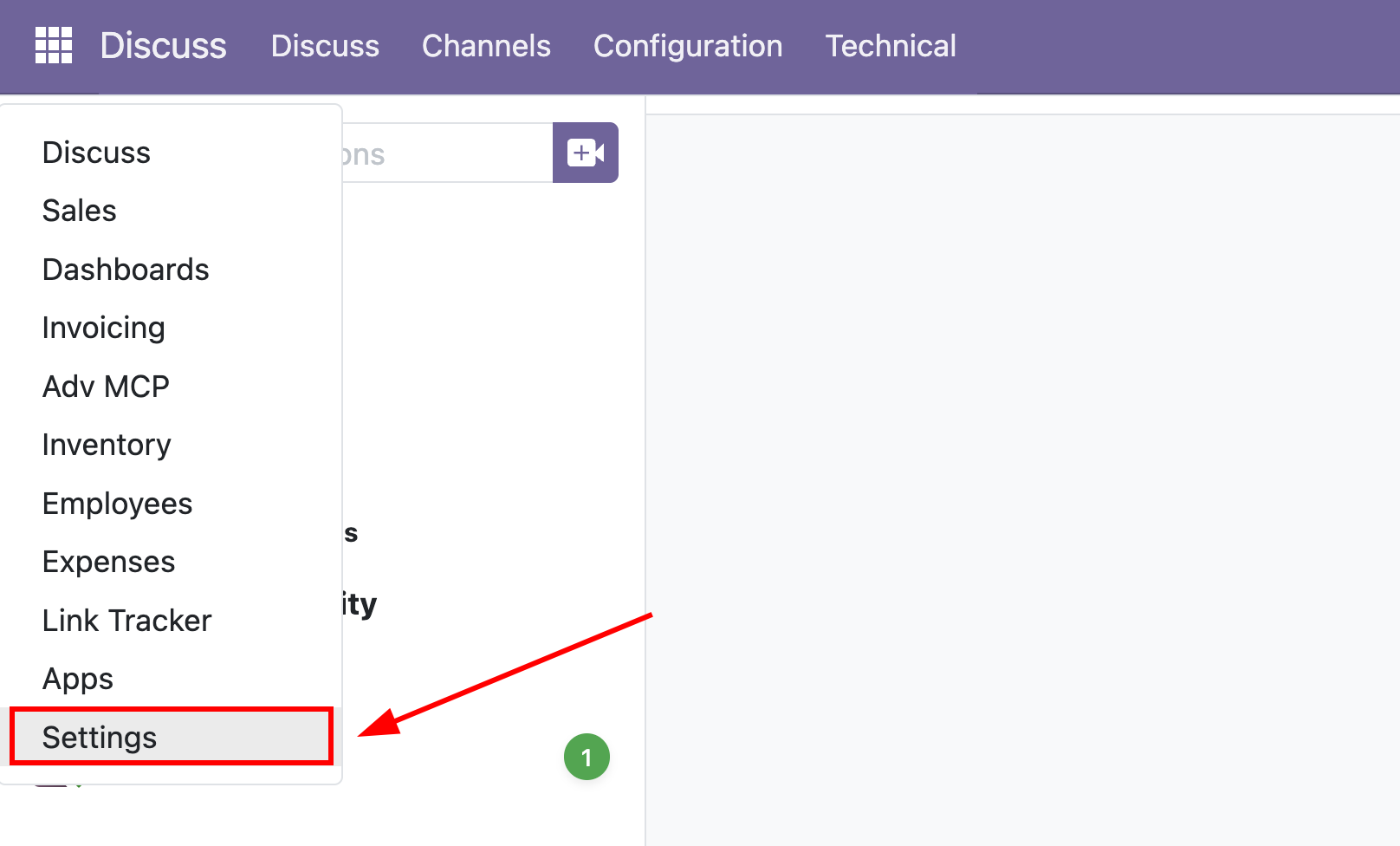
Step 1: Open Settings.
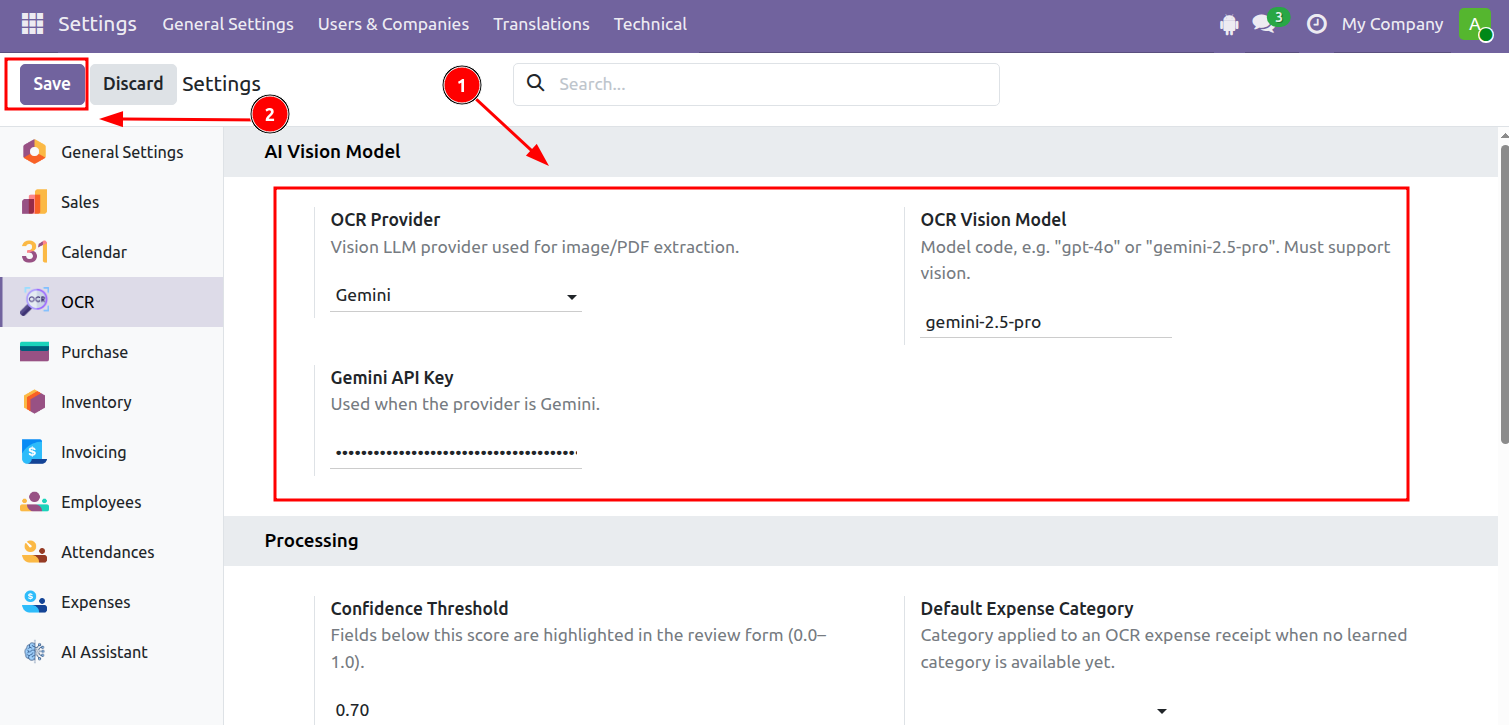
Step 2: Go to OCR.
...
Then click Save.
II. Using OCR
...
General OCR Workflow
Step 1: Open OCR Documents.
...
Invoicing > Vendors > Bills
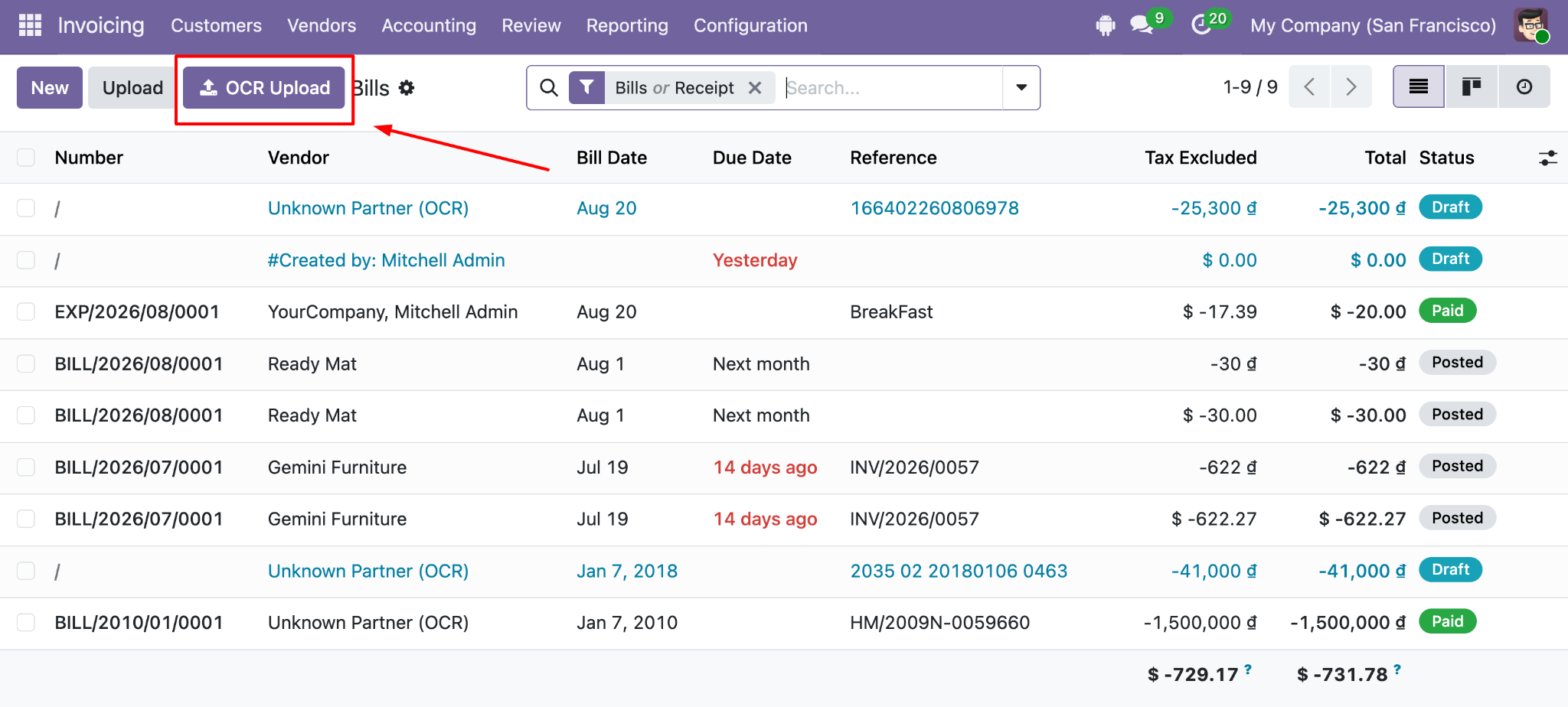
...
Document-Specific Features
...
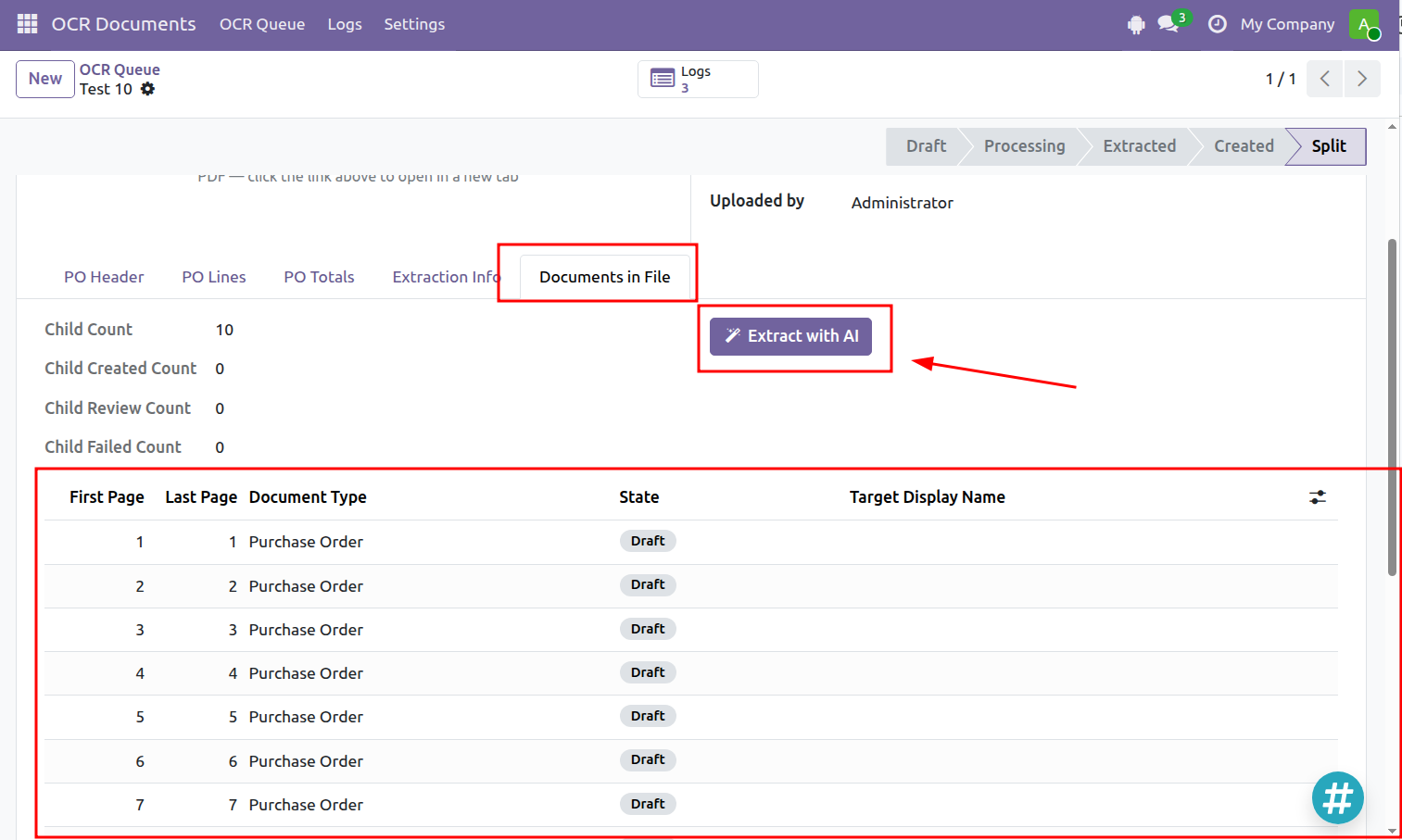
Split Multiple Purchase Orders from One File
The Purchase Order OCR workflow can split a single file when it contains multiple purchase orders.
...
Click Extract with AI to process the newly separated documents.
...
Automatically Match Invoices with Purchase Orders
When an invoice is processed with OCR, the system can automatically look for existing Purchase Orders with matching information. This helps users quickly find the relevant Purchase Order without searching for it manually.
...